In Reaper, your audio configuration options are in the Options menu.
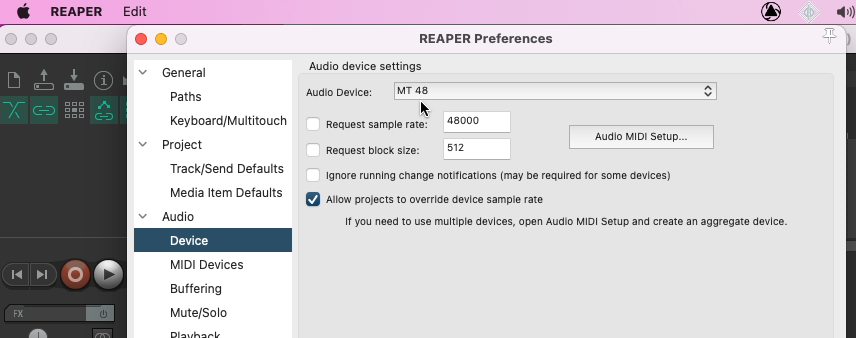
First, go to Options > Preferences and select Device under Audio in the left panel.
For Audio Device, select the MT 48.
Above Device, select Audio in the panel on the left.
Under Channel naming/mapping, click Edit Names/Map for both the Input channel and Output channel name aliasing options:
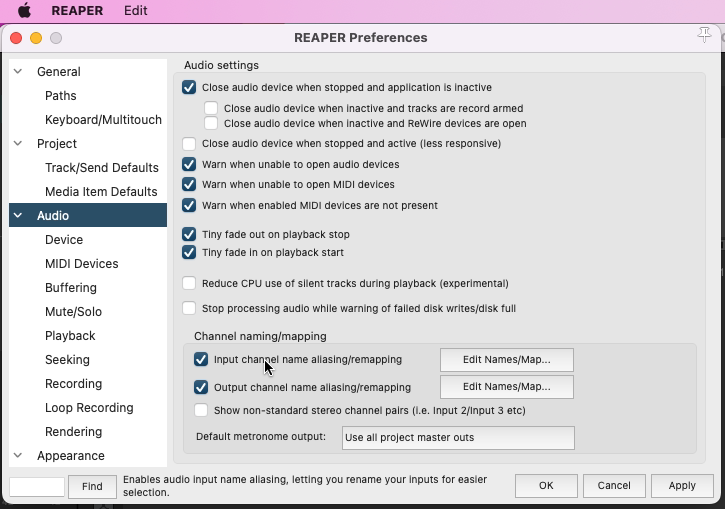
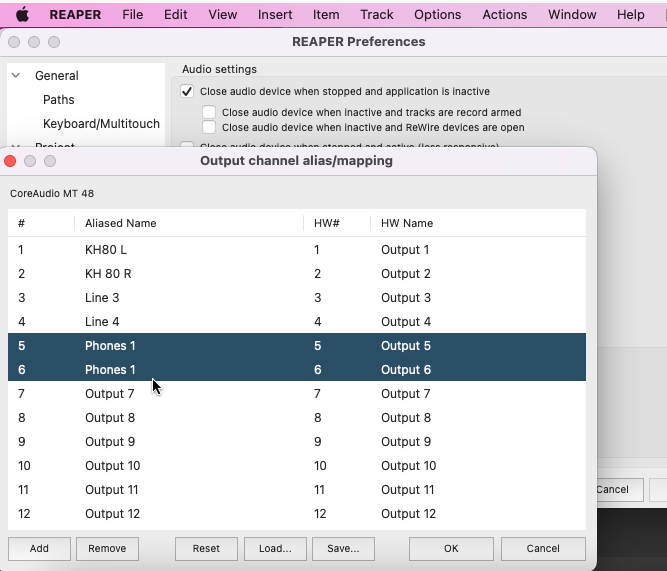
This is where you can select your input and output channels you are physically using, and rename them accordingly. Once you have the appropriate inputs and outputs showing and are renamed as desired, you can begin recording.
On a track, navigate to the I/O settings. The input will be the input your source is coming in from on the MT 48 (Mic 1, Mic 2, Line 3-4, etc.)
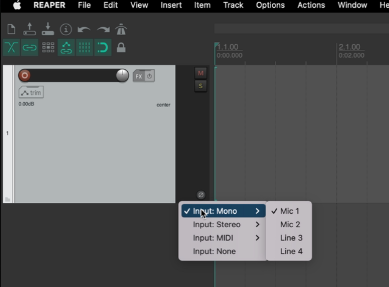
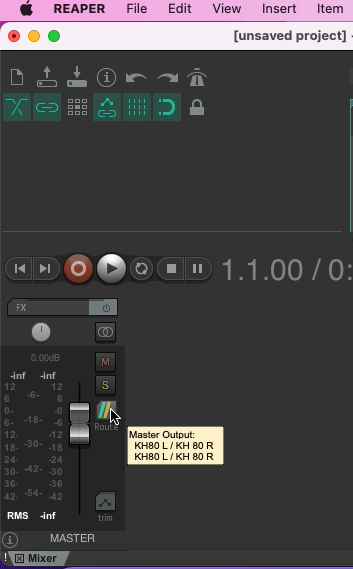
The Output will by default go to your Mix Bus or Master Bus, which then outputs to your main outputs on your MT 48. You can change this as you see fit.
Prior to recording, you will need to check your input level coming in to the interface. You do this through the MT 48's Preamp module for the appropriate input selected. If you are recording more than one source at the same time, you will need to do this for each input. See "Setting Up a Track to Record" in the Tutorials guide.